https://www.cnn.com/videos/travel/2020/09/24/giant-robot-gundam-japan-jba-lon-orig-scn.cnn
Oh he still my beating heart….and I may be hard after watching that.
An orange in an apple orchard
https://www.cnn.com/videos/travel/2020/09/24/giant-robot-gundam-japan-jba-lon-orig-scn.cnn
Oh he still my beating heart….and I may be hard after watching that.
While Little Caesar’s might not be great pizza: it’s cheap and efficient. Not to mention I question the ability to make much better for $5, lol.

So….full
Maybe I need a T-shirt that says “I’m with comfortable.”
For those of us who are not so smart: at least there is coffee.
First impressions of Scribble appears very promising. My real wonder of course is now buggy iPad or 14 is
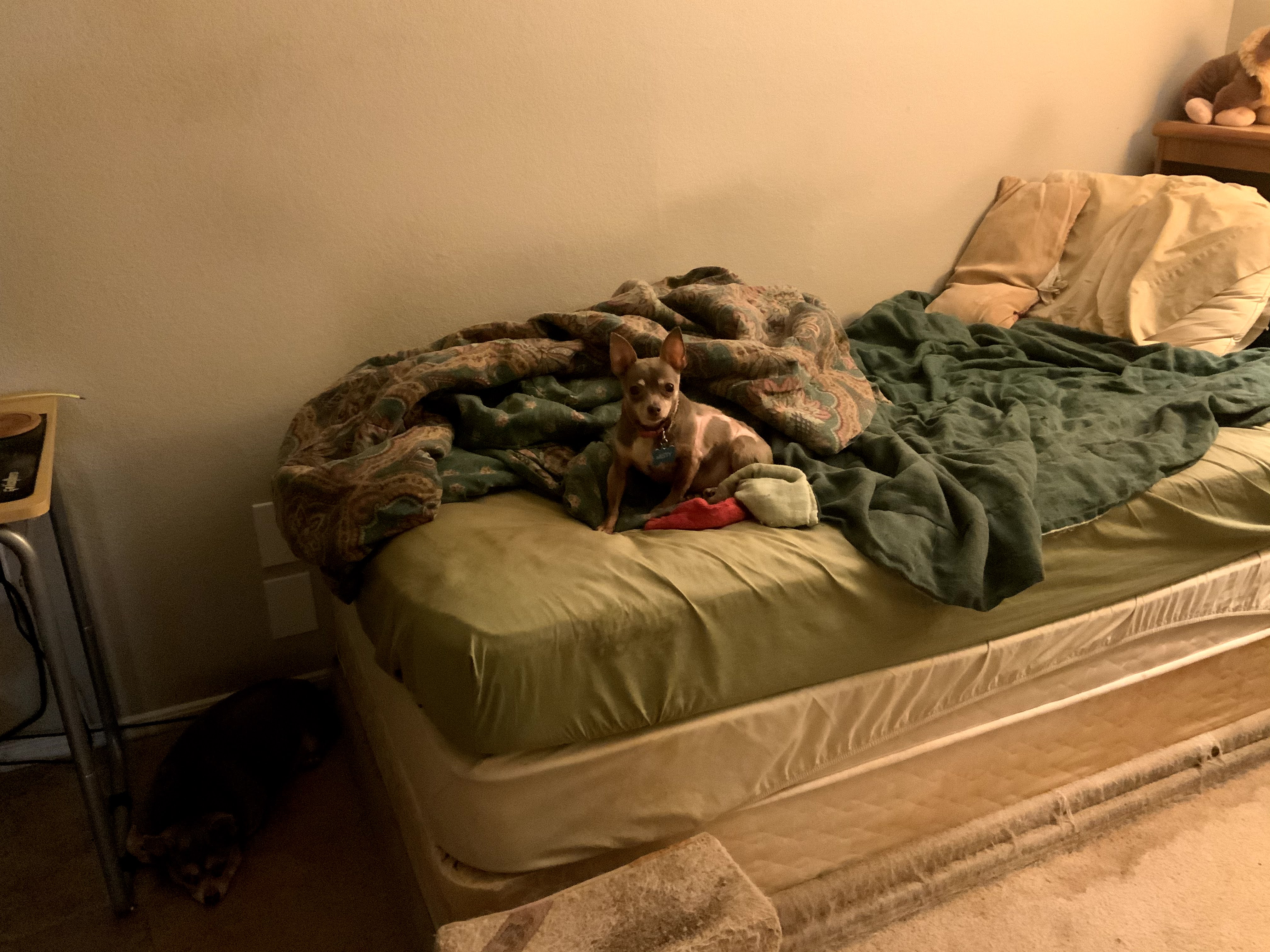
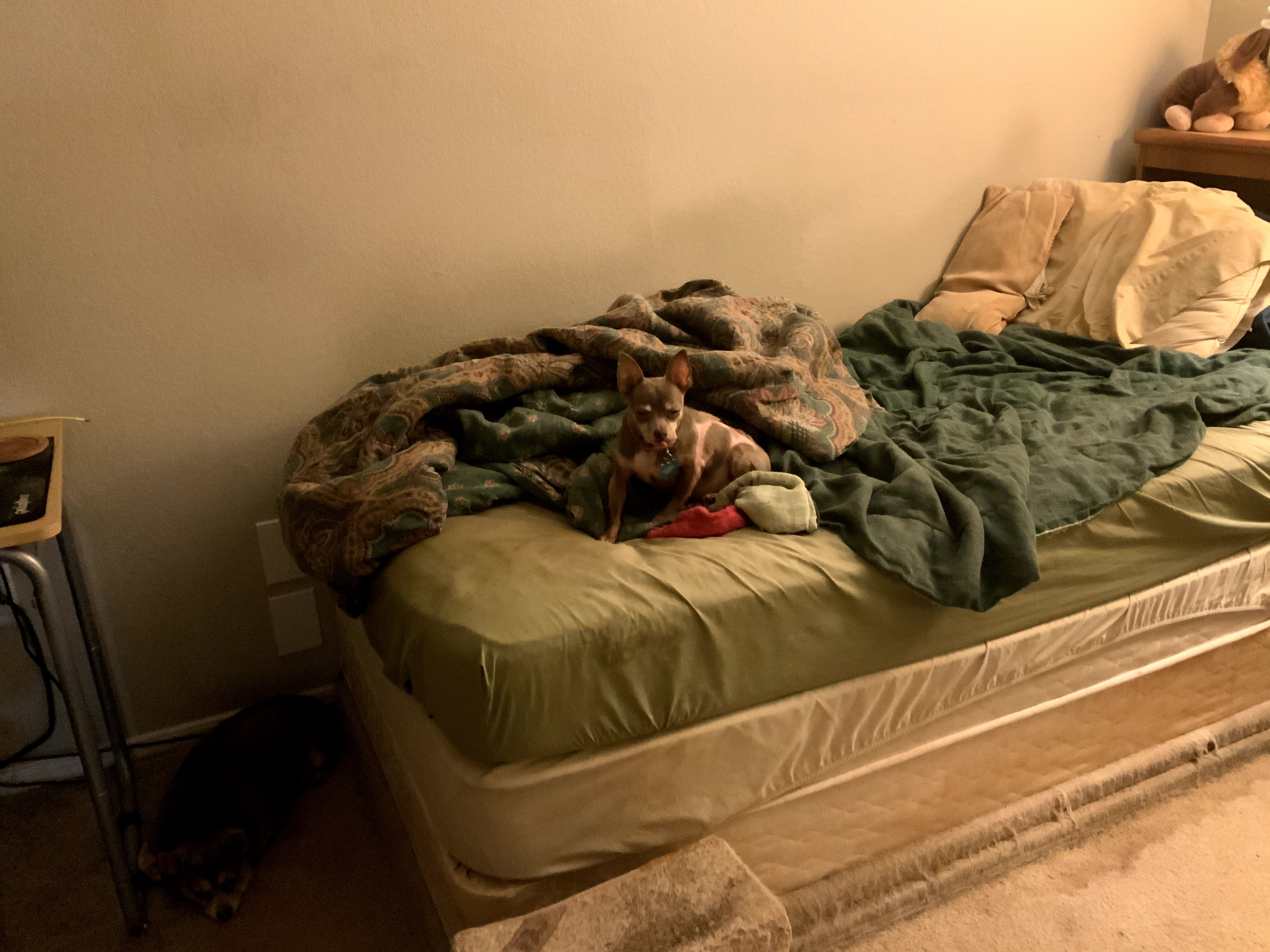
Misty: “Why is this asshole, I mean, human walking by without a food offering in hand.”
Windows Me, 20 Years Later: Was It Really That Bad?
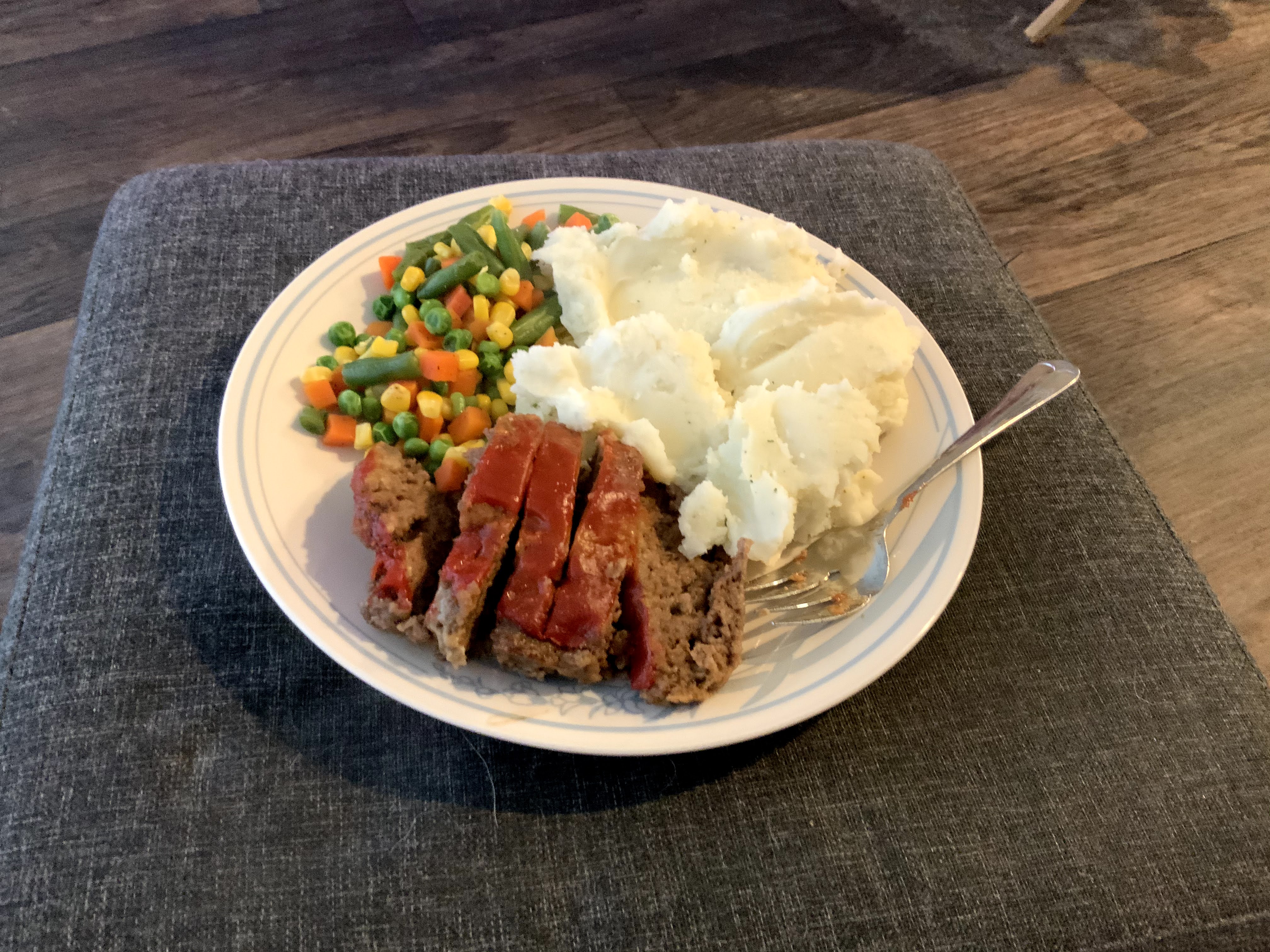
Probably the third dinner I’ve made out of the batch of meatloaf. Not to mention, combined with the leftover potatoes and vegetables from tonight: I just packed three lunches with the remaining meatloaf, lol.
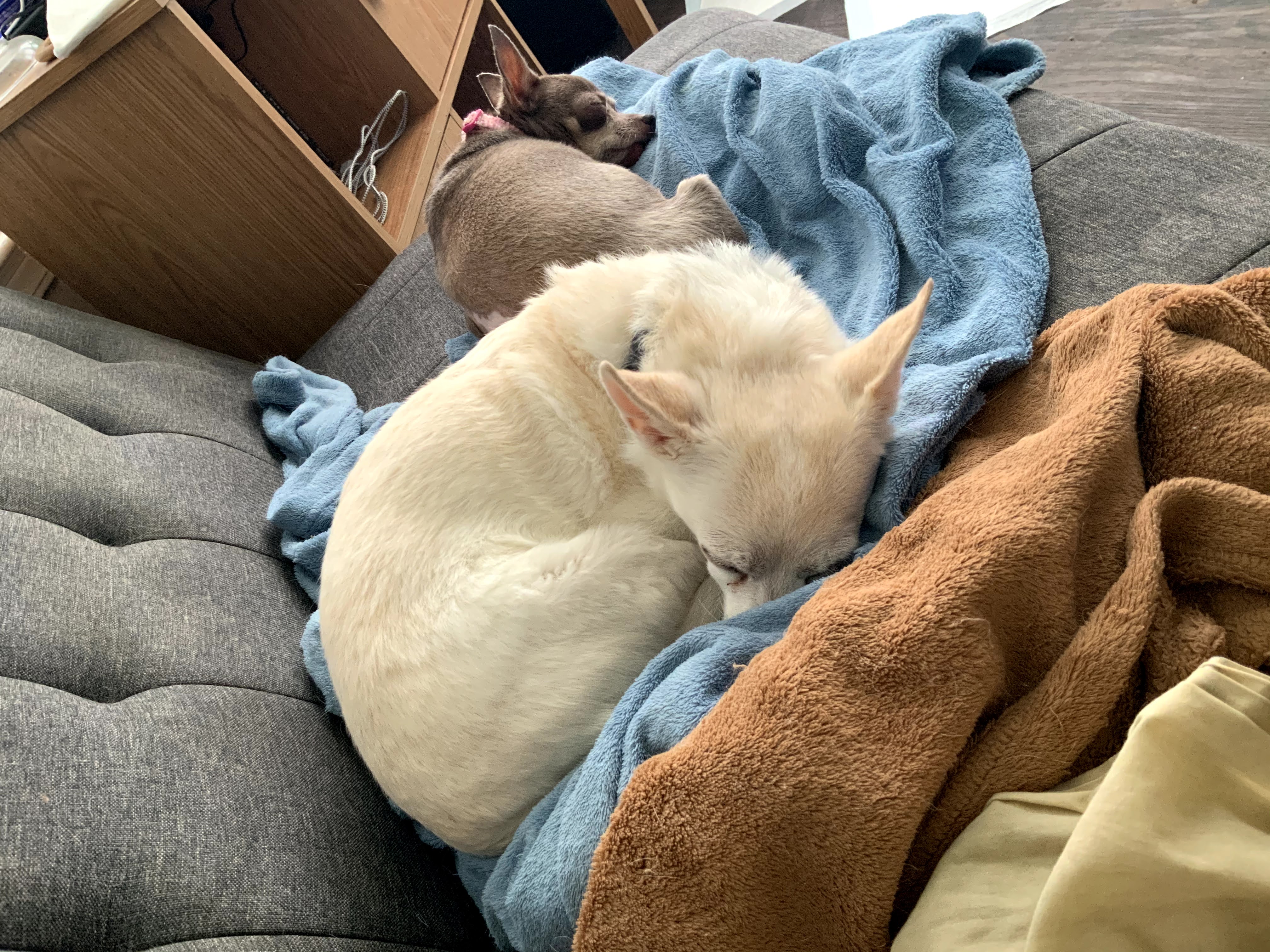
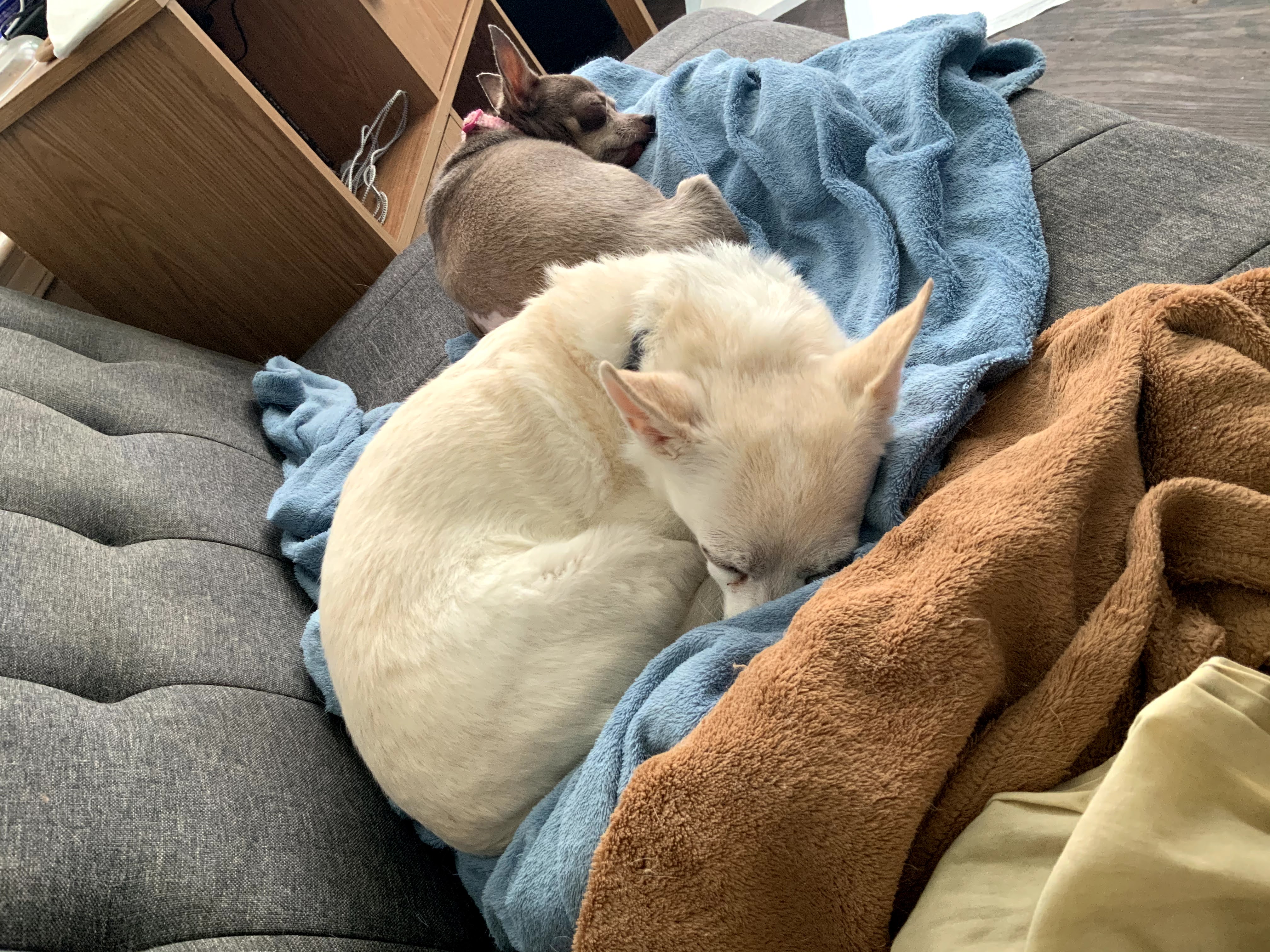
Misty and company of course just wonder why there’s no doggy share.

It’s probably a good thing that tonight is also meaty / gravy bits for the hungry doggos.
XBOX SERIES X AND S: EVERYTHING YOU NEED TO KNOW ABOUT THE NEXT-GEN OF XBOX
I kind of like the contrast these two machines offer.
That the Series X targets 2160p60 is pretty straight forward. Having a matching Ultra HD Blu-Ray drive is nice value, much as my original One’s Full HD Blu-ray drive or my PlayStation 2’s DVD player was handy on the wallet.
So in essence if you wanna have the biggest horse power: buy the Series X. If you just wanna have fun or save money: get the Series S.
Seems the Series S basically targets Full HD televisions. Enough oompth to for a 1440p60 target should make anyone’s 1080p HDTV happy whether the resources are pumped into eye candy or only milked for PC monitors in that resolution. You’re not going to find tons of consumer oriented 1440p QHD television.
My main curiosity, I think will be what difference the differences in compute power bring.
Especially as time goes on and on, and games take greater advantage of modern hardware. The focus on the hardware being more like a feature profile has been a positive for the One/One S and One X bit. I expect that it will continue with the Series S and Series X, however long the earlier consoles remain good enough for general gaming. I like the idea of “Xbox games” that scale to your console more than I like the idea of “Generations” and backwards compatibility. Even more so given the relationship to Windows.
Given the goal of being cheaper: cutting both memory and the optical drive make sense.
In all the years that I’ve owned an Xbox One: games on disc have been a waste. Literally, I have had more use for 3.5″ floppy diskettes in the past decade than I have for the buying video games on Blu-ray disc. When I’ve done so: without failure it lead to downloading all the freaking stuff anyway. In effect making the disc little more than a resellable license key, but at least optical discs (probably) make better frisbees than floppies.
Rather the value I’ve had out of the console’s optical drive has been purely video related. I have two Blu-ray drives. One in my desktop PC that I use for ripping content, and the one in my Xbox one that I’ll occasionally use to check the discs. Most times I just rip and later stream to my Fire TVs via Plex.
When it comes to the whole resale and used games front, I don’t think having to put a disc in the drive is worth that for me. Rather I think some system for linking license keys to an account and some kind of cross signature verification between your logged in device, and Microsoft’s servers, would be a better move. I.e. chuck the disc, unlink the key from your account and trade or sell it to a friend. Screw the damned optical disc. Having to download 20 to 100 gigs of shit is inescapable at this point, so you’re basically screwed if popping a Blu-ray in is the only way to get your game on.
I think I’ve had the original model Xbox One since about 2015 or 214. In all of that time the options for getting games on disc or used, surely hasn’t saved me the cost difference between the two new consoles. Hell, subscribing to Game Pass has probably saved me more in the long term than the used games market has saved me since 1993. Yes, I’m getting old.
Greedy Fool; noun.
What happens when you reach the end of Central Processing, and instead of rushing through the exit: decide to wipe the last Blinky off your tail before it can chomp your neck off.
And then you realize you just swapped Chaingun -> Rocket Launcher instead of Chaingun -> Shotgun, and blow yourself back to the starting point.
Yeah. Not quite my brightest moment ever. Well, I’m sure the look on my face maybe. On the upside the Spectre didn’t survive the blast either.