Tech things that mildly worry me

I find it just a bit worrisome how often I remember shortcuts for running the MMC‘s various faces.

PS C:UsersTerry> gci C:WindowsSystem32*.msc


Directory: C:WindowsSystem32


Mode LastWriteTime Length Name
---- ------------- ------ ----
-a---- 2019-12-07 04:09 41587 azman.msc
-a---- 2019-12-07 04:09 63081 certlm.msc
-a---- 2019-12-07 04:09 63070 certmgr.msc
-a---- 2019-12-07 04:08 124118 comexp.msc
-a---- 2019-12-07 04:09 113256 compmgmt.msc
-a---- 2019-12-07 04:09 145622 devmgmt.msc
-a---- 2019-12-07 04:09 13091 DevModeRunAsUserConfig.msc
-a---- 2019-12-07 04:08 47682 diskmgmt.msc
-a---- 2019-12-07 04:09 145127 eventvwr.msc
-a---- 2019-12-07 04:09 144909 fsmgmt.msc
-a---- 2019-12-07 04:53 147439 gpedit.msc
-a---- 2019-12-07 04:08 144998 lusrmgr.msc
-a---- 2019-12-07 04:09 145519 perfmon.msc
-a---- 2019-10-15 09:53 146389 printmanagement.msc
-a---- 2019-12-07 04:53 43566 rsop.msc
-a---- 2019-12-07 04:53 120458 secpol.msc
-a---- 2019-12-07 04:09 92746 services.msc
-a---- 2019-12-07 04:09 145059 taskschd.msc
-a---- 2019-12-07 04:08 144862 tpm.msc
-a---- 2019-12-07 06:19 144967 virtmgmt.msc
-a---- 2019-12-07 04:08 115109 WF.msc
-a---- 2019-12-07 04:08 144673 WmiMgmt.msc

In most cases I’m more likely to do foo.msc from a command prompt than go hunt down what I want through the start menu or other methods. Despite my background having focused heavily on unix systems, I’ve actually have learned a fair bit of NT over the past 15~20 years. Don’t think I’ll ever enjoy the care and feeding of Windows systems but it does come with the computer nerd territory, I suppose.

When you consider that for much of the past fifteen or so, the main reason I’ve kept Windows around has been for video games it may be kind of sad and worrisome, lol.

My data migration plan is almost wrapped up, yay!

Attempts to start Plex, or fire up Speccy to see if I could get a smart reading, was causing my 3 TB drive to dismount. Read access at least has proven reliable, and despite the drive’s age it doesn’t sound like hell.

Since the important stuff on that drive is copied to my backups drive, and a copy of the backups drive is periodically sent to it: data loss would have been minimal if it went duddaaa splat like my old 1 TB did. Risk of loss was most of my Plex content, and the local mirror of my backups.

Last time I replaced a failing drive: one of the 1 TB drives I bought back in January 2013 died. Of course it was the one used for backups, and a short time after I started backing up the backups in full rather than the most vital parts. Which turned out to be rather handy, even if most stuff on ny backups drive are files I won’t cry if they’re lost—unlike my photo albums.

Faced with a drive going wonkers, and limited time. I did some planning and found myself buying a pair of 8 TB drives — because the price was so good, I decided to get a spare.

Since taking a day to migrate my unbacked up media over to the new 8 TB drive, I’ve also decided to shift gears on how my dual drive arrangement works.

How it’s been done:

  1. Backups drive
  2. Plex drive
Originally these were both 1 TB drives. The 3 TB in question replaced one when various retro fittings occurred. The 1 TB that failed a year or two ago was replaced with a 2 TB. But otherwise things remained the same.
Rather than backup vitals pike photos from Plex to Backups, and then mirror Backups to Plex just in case. I’ve decided to integrate everything into one drive. 
Such that one new 8 TB drive is the complete data set. Backups, Plex, etc. Thus the 2 TB drive can go on to replace either the 2013-era 1 TB drive hanging out of my xbox, or the roughly as old 1 TB used to backup my laptop’s 0.5 TB drive. It could even serve as an extra backup of the most important parts. I’ll figure that out later.
I chose to buy a second 8 TB drive in part because the prices are so nice. And because it’s big enough that whatever fits on the new “Master” drive can also fit on the spare.
The open loop is how I want to handle backups in this new arrangement.
Periodically mirroring the master to the backups would leave me with an automation that makes the spare ready to rock and roll. Syncing up once or twice a month is sufficient risk prevention for my needs. In that time period, data at risk typically exists on other devices or offsite.
Alternatively, I could simply use the “Spare” as a destination for backups of the new master. Similar to how I take care of my file server’s system drive being backed up to the “Backups” drive that is now a folder on the master. Ditto other machines are backed up to that location in similar ways but less frequently.
As I see it the differences are moot from la failure rate perspective.
Mirroring on a monthly basis will generate ample file accesses; the difference is the “Spare” won’t have the wakeful workloads of the “Master”. By contrast the various backup software I rely on, can easily toss differential backups but doesn’t make the drive ready to rock. Doing so will still generate load on the drive whenever the operation occurs.
Thus I find myself favoring the approach where recovery is change mount point, go by new drives. One to replace failure, and one to decommission the spare for less sensitive uses.

 Why a portless iPhone would be a nightmare

Reading this, I kind of have to ask myself: how many people actually use their phone’s port for something other than charging?

I’ve used the Micro-B ports on my phones to mount a monitor, flash drive, or use a keyboard, but this has been a rarity. Most times I’ve used the port for debugging Android applications with logcat. Since I strongly prefer a tablet, the monitor, drive, and keyboard stuff usually fell to that rather than my phones.

In terms of what my iPhone SE 2020 offers, I can’t say I’d actually give a flying floop if it was wireless charging only. In the sense that Lighting already declares I am unlikely to do anything more complicated than mount it in iTunes and copy ringtones, lol


“We must learn to live together as brothers or perish together as fools.”

— from Dr. King’s speech in St. Louis on March 22, 1964.

Not the first time I’ve added something Dr. King said to my quotes file, but I have to admit this one is well worth the adding. H/T to The NY Times.


What happened in the capital was pretty terrible. Well worthy of condemnation, and more than a little messed up. In that vein, as I have a sense of humor I parse this article with tongue very much in cheek.
When I see an interesting article from The Atlantic pop up in my feeds, I usually question whether or not I have time to read twenty pages of article. In this case it was more like an awesome series of giggle snorts describing a day that will reflect poorly in our history books. Thank goodness we still have the right to a sense of humor 😂.

Here’s why everyone should own a cheap Android tablet

An interesting if unusual line of reasoning for a site full of nerds and shifting attention spans.
Tablets are often more natural to repurpose than other computing devices. Phones are often too damned small or the only size you need. Laptops are often too damned big, or all you really want is the keyboard input. Tablets strike an excellent size between being so compact you can Velcro it to the wall, and being large enough to prevent and interact with globs of data like videos and web pages.
Kitchens, bathrooms, garages, craft rooms, head boards, et.al. often have space as a premium. If not at first then eventually, lol. If money grew on trees instead of being made from trees and tears, I’d probably have a dedicated tablet just for scribbling notes.
One of the open questions I’ve had since my Tab S3 -> iPad Pro conversion is what do I want to do with Scarlett. The cracked screen works fine most of the time, but I’d largely prefer to avoid putting it in a position where fluids and cleaning are regular needs. The old HDX7 has principally become a clock now that it’s long form reading duties have migrated to a conventional Kindle.
Currently it resides near the charger cluster of /dev/headboard. Which has shown promising possibilities as an electronic picture frame or clock in either room. Mounting it on a kitchen wall or the side of my refrigerator would readily solve the problem that I’ll need to update my grocery list for something, but don’t have the time to leave my kitchen to go get a phone or tablet. There’s also the perk that the S-Pen still works pretty well as long as you don’t rest your hand too heavily on the screen, or need fine lines near the cracked part.

Going on somewhat of a cleaning kick, I managed to sort through and clean various artifacts that haven’t really been gone through in a few years.

Along the way I decided to put some stuff with my treasures box. Not sure if everyone does, but ever since I was little my mother had these jewelry box like things for us. Mostly made up of artifacts from when we were born. Like buttons or coins with our birthdays, or stuff that was my father’s. Various stuff has been collected here since I was a kid. Troll dolls, a folding paper fa from Chuck-E-Cheese’s arcade, etc. More recent additions include a Pokemon TCG coin, my wristwatch, yadda yadda.

The box also contains various things like my dad’s driver’s license and registration. Can’t remember how much has been there next to forever, and what has been merged into that over the years. Most of Dad’s personal artifacts are in one of his old containers. Likewise my mother’s are in various containers she kept her personal stuff in.

In debating where to put some of my mother’s stuff, I opted to put it in my box with some of my father’s stuff. Makes sense to me that her driver’s license would end up next to his. While I was at it, also incorporated are things like the fob and last registration from my first car.

Also a little happy. Looking through my parents things, I found dad’s other dog tag in one of my mother’s boxes. Next to important stuff of her father’s. Last time I moved, I had feared I might of lost it.

And then of course there’s irony. In knocking the box with comments that I should really get something bigger to store this stuff in the frame of the lid finally came unglued. Considering it’s at least thirty years old, I suppose I can’t complain, lol.

Think if I was smart, I’d find some time to clean and organize that entire shelf and make it more orderly. Family albums on the bottom shelf might even be worth the sneezing attack.

Revisiting the problem of sending custom alarm tones to iOS, this time around I opted to save myself some pain. The first thing I did was locate where I stuffed my audio file; the second was plug my iPhone in to iTunes. Because when you utter enough profanities doing a thing it tends to leave a mark 😛.

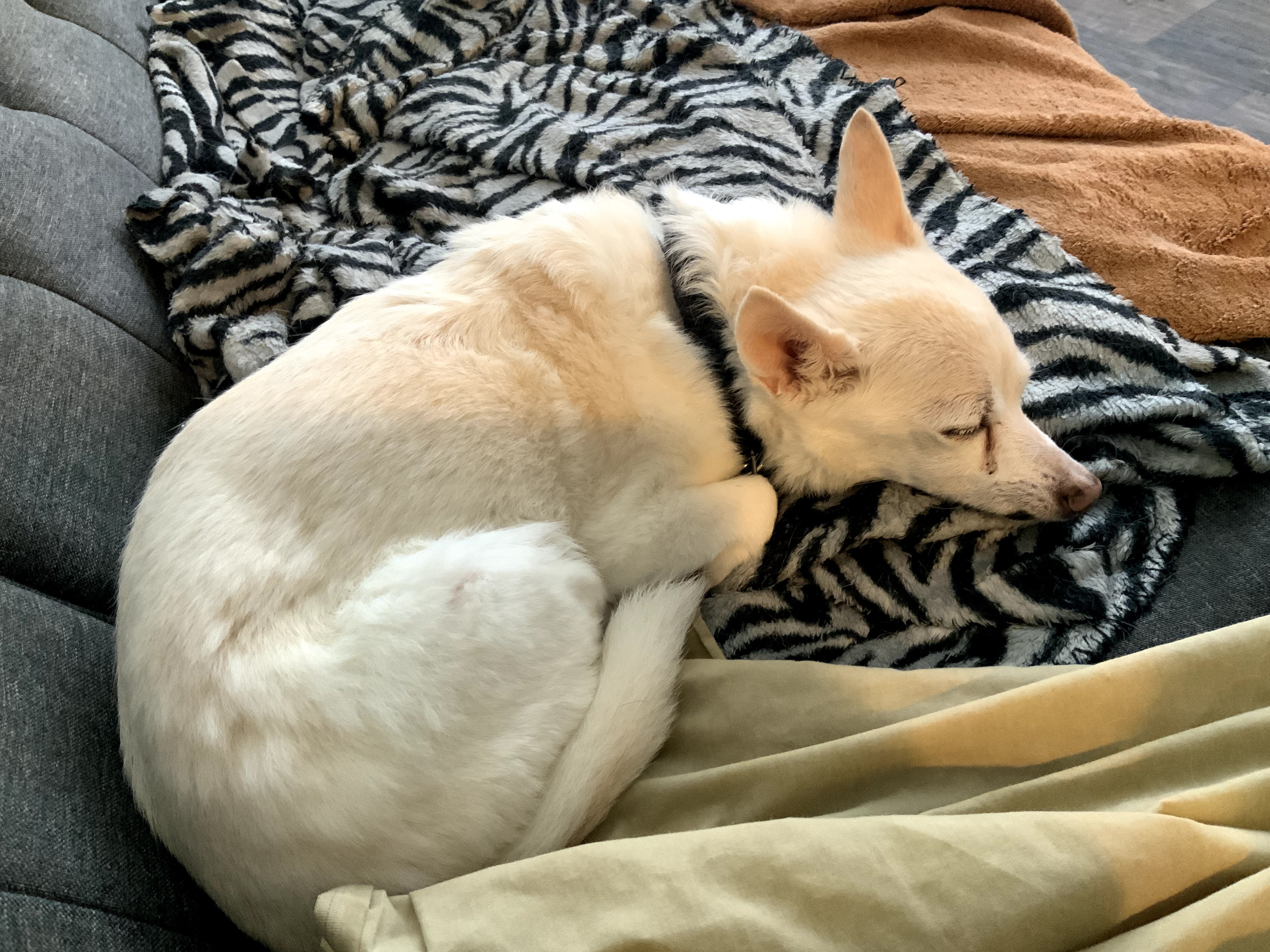
I’ve been thinking for a while of setting a new alarm for the weekends. Presently, Misty’s morning meds rely on the fact that I’m usually awake around that time and if not, Corky makes sure I am; much as he made sure my mother didn’t dose off instead of testing her sugar in the morning. Habitually waking up around the same time has been useful, but lacks fail safes. Thus the alarm clock.

During the week it’s kind of wrapped around my trifecta of alarms. One to wake me up, so I can’t sleep through the others; one to tell me to get my ass out of bed; and the third to tell me I better damned get my ass out of bed if there isn’t a tooth brush in my mouth yet 😲. Each of these have different tones to help know the pattern. Normally on the weekend there’s just a late alarm in place to make sure I don’t literally sleep the day away, and I’m usually up long before then.

In thinking about whether I want to put the extra alarm on my phone or my tablet, the notion hit me. Separate device, separate why the frak am I waking up reason. I might even migrate that time slot from tablet to phone during the week as further reinforcement that it’s time for Misty’s meds.

As such the time frame overlaps with the first weekday alarm, as that’s the most convenient time to give Misty her meds, and bribe Corky into letting me go back to sleep. Peanut butter is important here, lol. In much the same vain: I’m inclined to use the same alarm tone for the same time of day and purpose.

That just so happens to be the protagonist’s morning alarm from Pixel Fade’s Ace Academy. Which is a heck of a lot more pleasant to wake up to than the 90 dB alarm clock I had as a kid, lol.

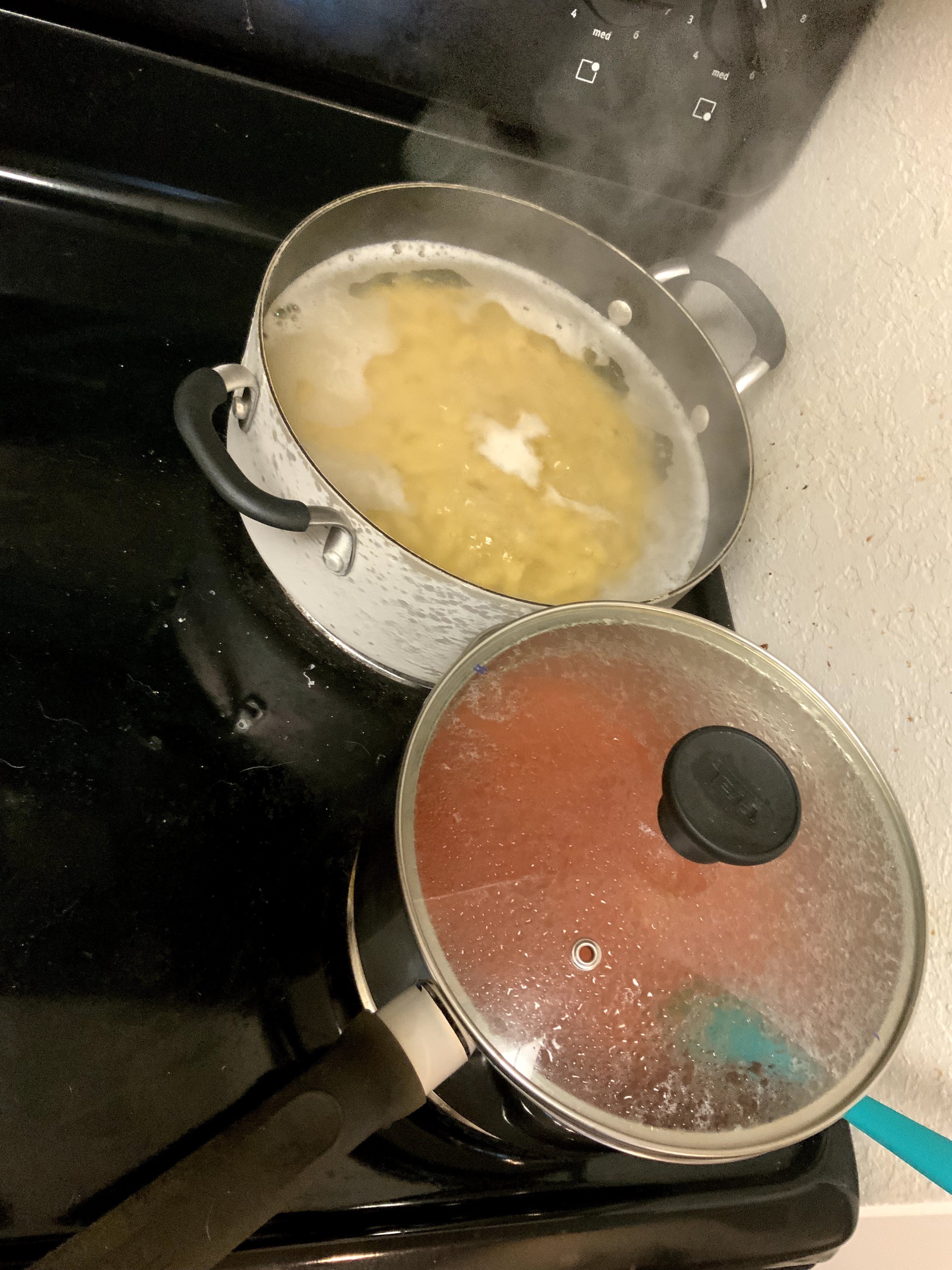
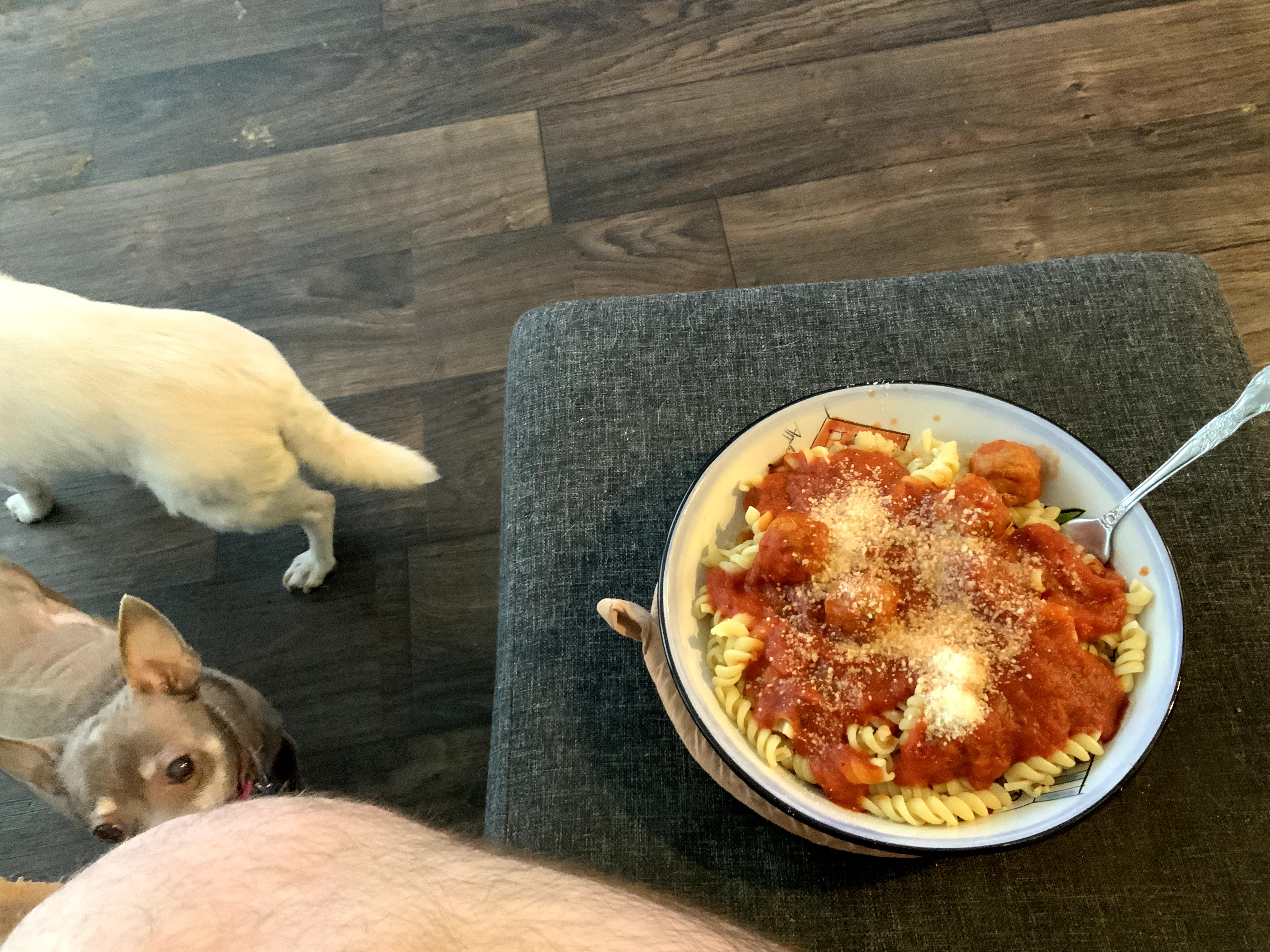
 Kind of a mess made from leftovers and culinary heritage, it worked damned deliciously.

Leftover rigatoni, a few leftover cheese tortellini, scraps of meatloaf, last of the fresh mushrooms and some grilled chicken strips. Combined with shredded carrots, lettuce, green onions, and a can of great northern beans. Various seasonings, and a few spoonfuls of gravy leftover from the meatloaf.

My mother often made beans and elbow macaroni. What she dubbed Italian peasant food, and what I dubbed delicious. Once in a while she also made spinach and beans. Thinking of these, and being rather in the mood for the latter, I opted to make a mess inspired by those meals of my childhood. Both are excellent delivery vehicles for grated Parmesan cheese.

Oddly, the carrots and green onions were something that rarely found there way into such meals. But being the one in front of the sauce pan, I get to pick what goes in 😋.

Signs that this iPhone thing is going to workout:

  • Use of three and four letter expletives to describe messaging from my phone is down by 90%, effectively now at the level of autocorrect.
  • Use of same to describe messaging from my tablet is now down 70%, and is no longer filled with pain and agony whenever I do more than type.
  • I haven’t felt the urge to break the damned thing.
Part of the value here also lay in the use cases. Typically my tablet screen on time can be measured in hours per day. More if I’m using it, less if I’m mesmerized by some video game or book or Netflix or whatever. By contrast my phone screen on time can probably be measured in tens of minutes per day, unless someone sends me a lot of text messages in the middle of the night.
Which is a pretty stark contrast to years past, where I used my phone pretty significantly. Over the past five years or so, Android’s evolution and my usage patterns basically killed my phone use in favor of tablet use the rest of the way. While the transition to iPadOS was rather rocky, given my heavy demands in tablet: the transition to iOS has mostly been trivial.
You could say that my life around Android largely caused me to bypass the long ass wait for decency in iOS features, after eons of going “Huh, how the frak have people lived without that all these years?” whenever a new iOS release happens. Likewise the tablet use killing phone use, basically means I don’t give a frak. Jelly Bean was still a thing when I used my phone heavy enough to care as much about my phone, as my tablet keeping pace with my computing needs. So by now, iOS easily handles my demands upon a phone and mostly fits my demands upon a tablet or desktop.
Sigh. Here’s to hoping someday Google returns to producing software that I can depend on instead of software prone to pissing me off more often than not.